Create a SO Marketplace profile
Sign up
The first step to building and listing an application is to sign up and create a profile on the SO Marketplace. The applications you develop can only be submitted or published in the SO Marketplace once you create a profile.
To give you visibility, your profile will be displayed on the listing page of your application on the SO Marketplace.
Steps to sign up
- Visit the SO Marketplace and from the website header click on 'sign up'.
- you will be prompted with the following modal panel:
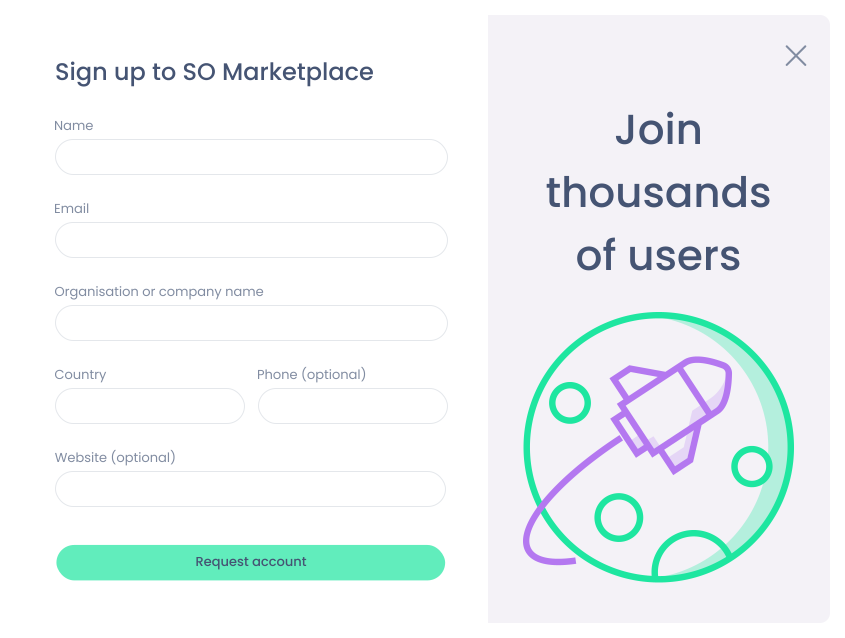
Enter the necessary information, in particular:
- name *
- email *
- phone
- organisation or company name *
- country *
- website
where * indicates mandatory fields.
We will create a company profile for you and get in contact with you.
You will then be able to login via the 'sign in' option available in the SO Marketplace header.